
 Close
Close


When the camera is set to HDR (High Dynamic Range) mode, three consecutive images are captured at different brightness levels each time you shoot, and the camera combines image areas with optimal brightness to create a single image. This mode can reduce the washed-out highlights and loss of detail in shadows that tends to occur in high-contrast shots.
1. Set the ⋖mode dial to⋗ [Creative Filters] (

2. Press the ⋖
3. Press the ⋖


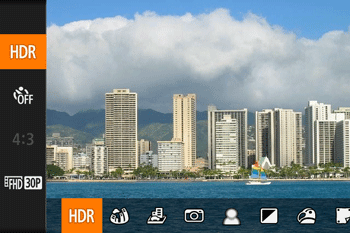

4. Press the ⋖ 

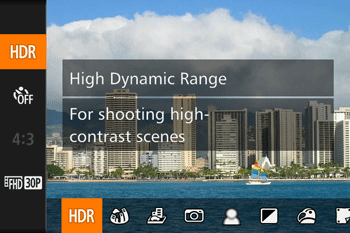
5. Shoot.
Caution
Excessive camera shake or certain shooting conditions may prevent you from obtaining the desired results.
Caution
Adding Artistic Effects
1. Set the ⋖mode dial⋗ to [Creative Filters] (
2. Press the ⋖
3. Press the ⋖
4. Press the ⋖
5. Turn the ⋖ 
*[Art Vivid] has been selected in the example image below.
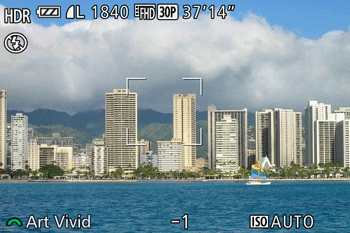
The available effects are shown below.
| Natural | Images are natural and organic. |
| Art Standard | Images resemble paintings, with subdued contrast. |
| Art Vivid | Images resemble vivid illustrations. |
| Art Bold | Images resemble oil paintings, with bold edges. |
| Art Embossed | Images resemble old photos, with bold edges and dark ambiance. |
6. Shoot.
Caution
Excessive camera shake or certain shooting conditions may prevent you from obtaining the desired results.
Caution